> ## Documentation Index
> Fetch the complete documentation index at: https://docs.cachethq.io/llms.txt
> Use this file to discover all available pages before exploring further.
# Oh Dear
> Import your Oh Dear data into Cachet.
Oh Dear is a monitoring service that checks your websites for downtime, broken links, and various other issues.
While Oh Dear features its own status page system, it is limited, and you may find that you'd prefer to
use Cachet instead.
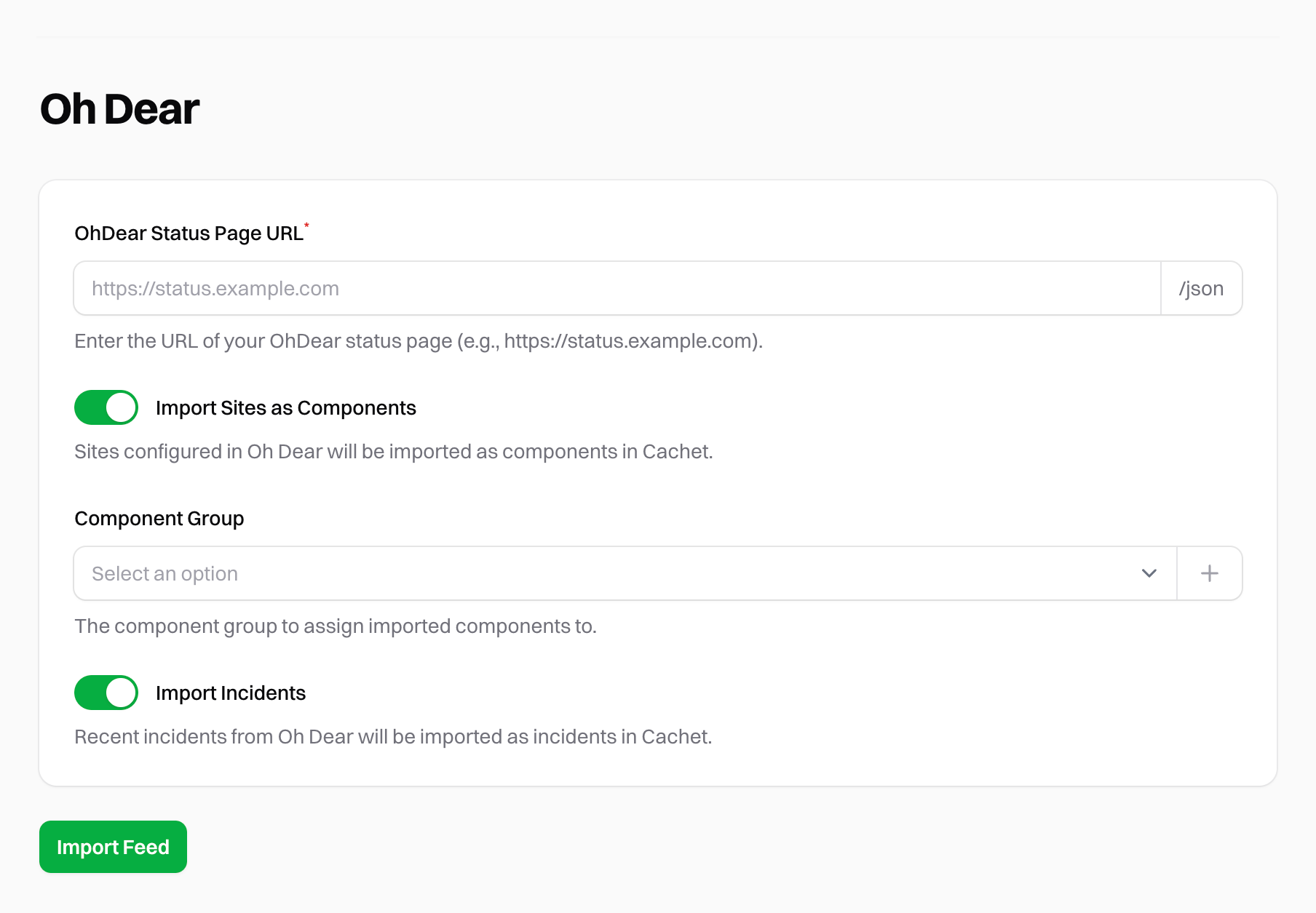
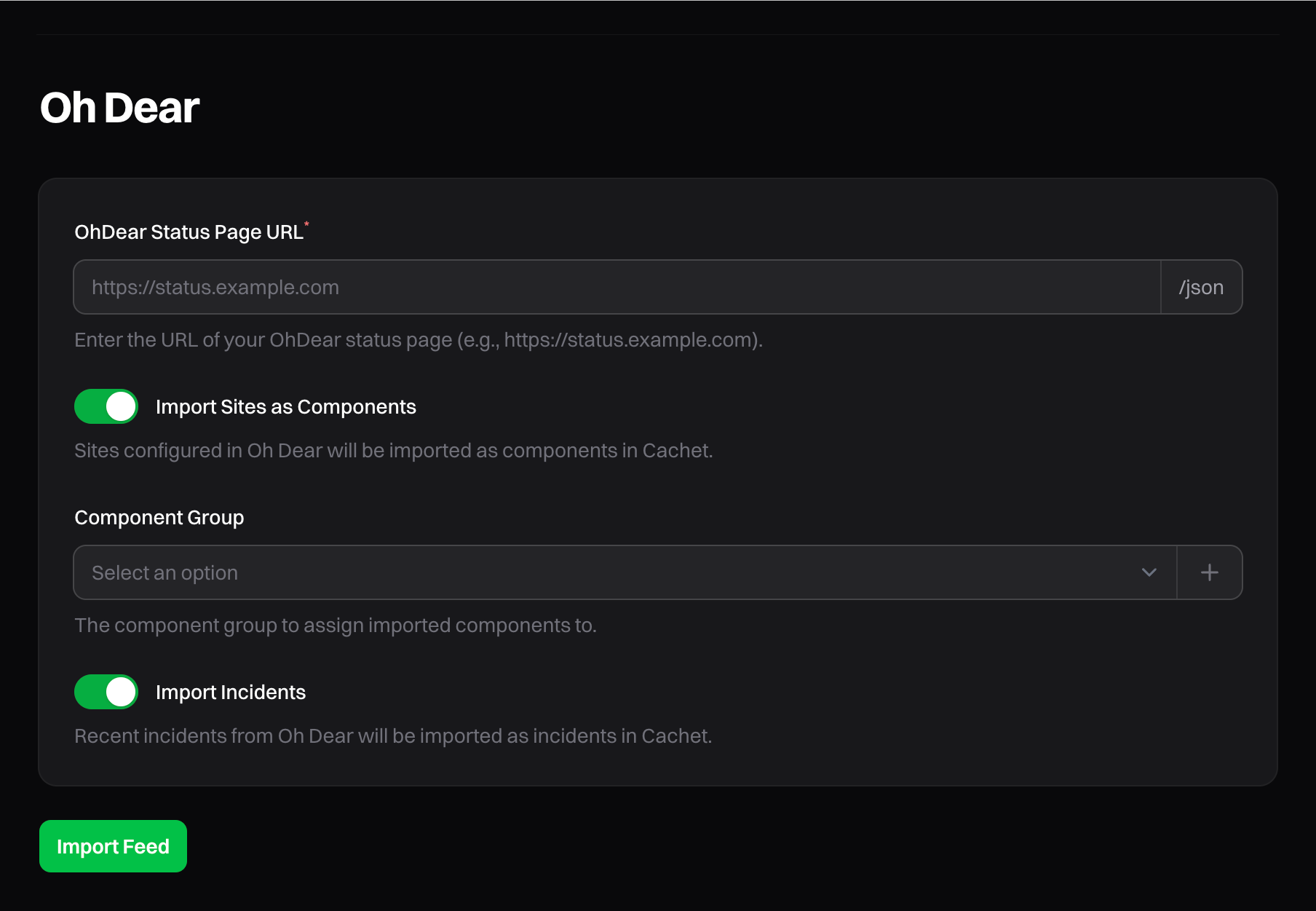
To import your Oh Dear data into Cachet, head to the "Oh Dear" page in the integrations section of your Cachet dashboard.
To get started, you only need to provide the status page URL. For example, you could use `https://status.ohdear.app`.
Cachet will automatically fetch the data from the `/json` endpoint.
 Running the import process multiple times will not create duplicate components or incidents.
Cachet will only create new components or incidents if they do not already exist.
## Importing Sites
To import your Oh Dear sites into Cachet as [components](/v3.x/guide/components), click the "Import Sites" toggle. You'll then be able to select one
[component group](/v3.x/guide/components#component-groups) to assign to all imported sites.
You can also choose to create a new component group for the imported sites. If you do not select a component group, the
sites will be imported as ungrouped.
## Importing Incidents
To import your Oh Dear incidents into Cachet, click the "Import Incidents" toggle. Cachet will do its best to match
Oh Dear's status codes to Cachet's incident types.
The Oh Dear integration will only import the last 7 days of incidents.
Running the import process multiple times will not create duplicate components or incidents.
Cachet will only create new components or incidents if they do not already exist.
## Importing Sites
To import your Oh Dear sites into Cachet as [components](/v3.x/guide/components), click the "Import Sites" toggle. You'll then be able to select one
[component group](/v3.x/guide/components#component-groups) to assign to all imported sites.
You can also choose to create a new component group for the imported sites. If you do not select a component group, the
sites will be imported as ungrouped.
## Importing Incidents
To import your Oh Dear incidents into Cachet, click the "Import Incidents" toggle. Cachet will do its best to match
Oh Dear's status codes to Cachet's incident types.
The Oh Dear integration will only import the last 7 days of incidents.