Set a banner image and choose colors for your status page.
To change your status page’s banner and colors, open Settings, then Manage Theme in the Cachet dashboard.For custom CSS selectors and programmatic content insertion, see Theme hooks.
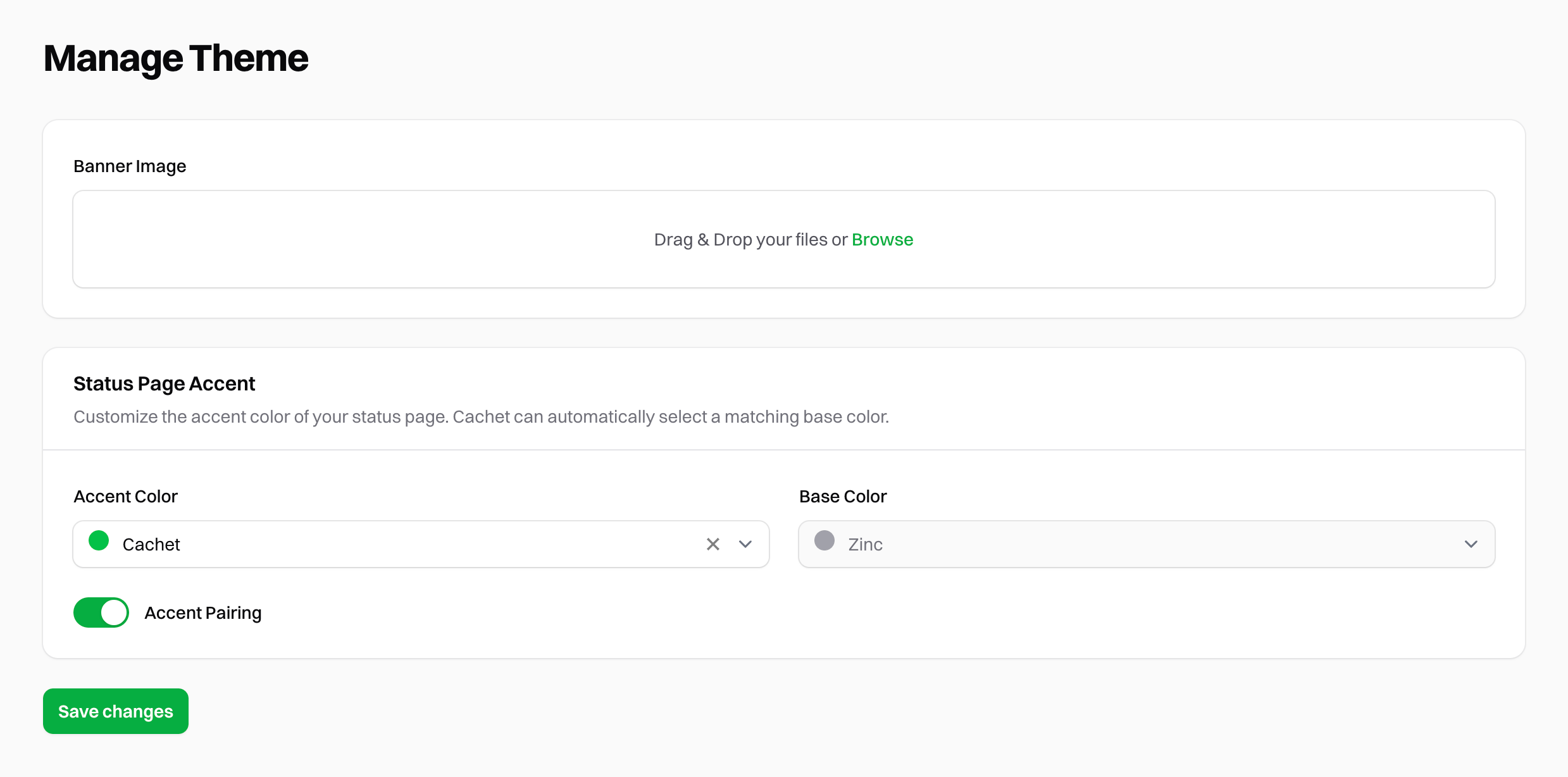
To replace the banner at the top of your status page, drag an image into Banner Image or click the field to select a file.
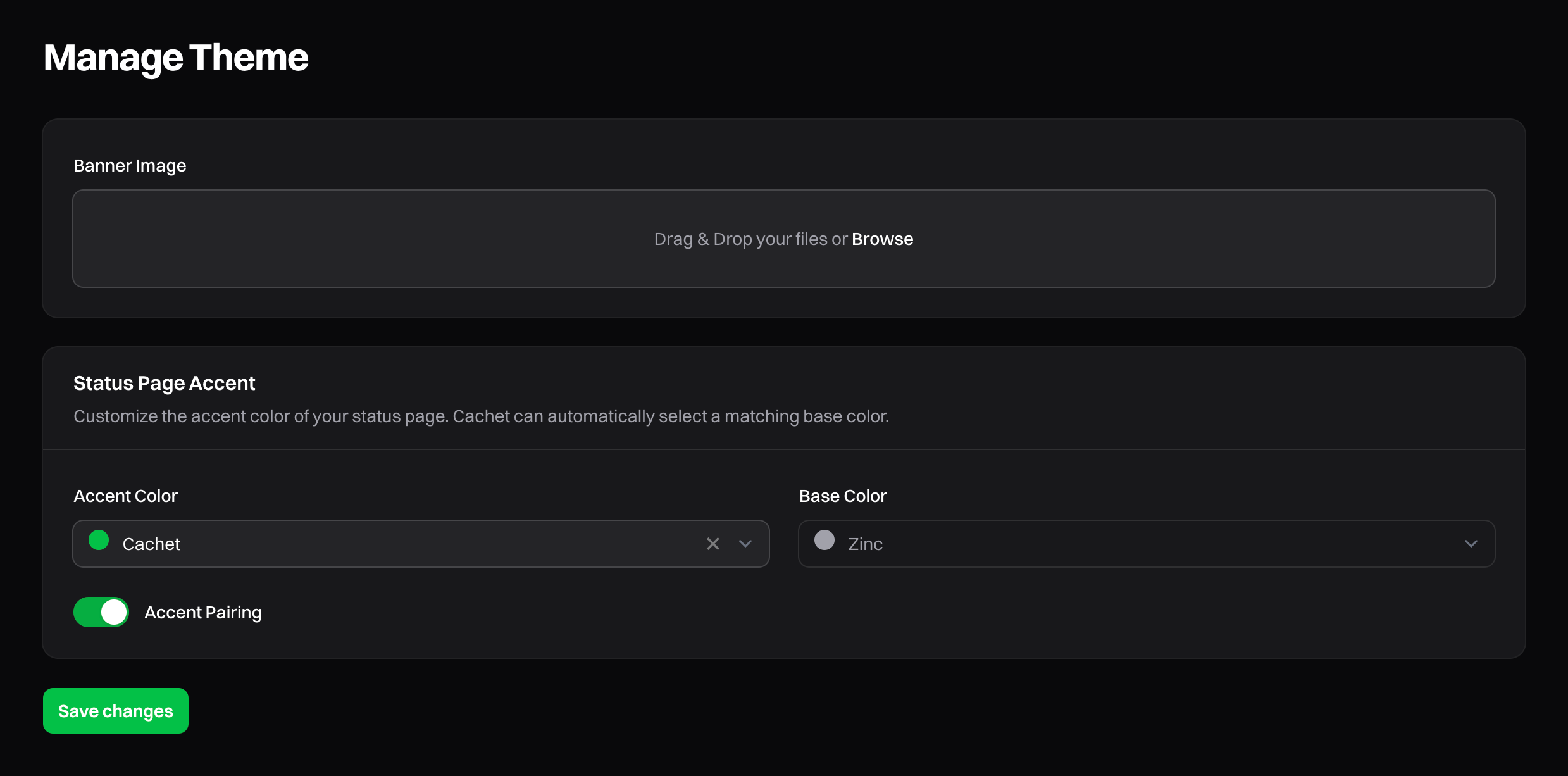
Cachet's 'Manage Theme' Dashboard
Use an image with a 16:9 aspect ratio.
Cachet also uses the image as the logo in outgoing emails. Cachet accepts JPEG, PNG, GIF,
and WebP images up to 1 MB by default. You can change the storage disk, maximum upload size, and accepted image types
with the image upload environment variables.Click Save to apply your changes.
By default, Cachet stores images in storage/app/public. To make the image publicly accessible, run this command from your Cachet directory:
Accent colors apply to elements such as buttons and links. Choose one of these colors:
Cachet
Red
Orange
Amber
Yellow
Lime
Green
Emerald
Teal
Cyan
Sky
Blue
Indigo
Violet
Purple
Fuchsia
Pink
Rose
By default, Cachet pairs your accent color with a background color.
To choose a different background, disable Accent Pairing and select a Tailwind gray.