

https://status.ohdear.app.
Cachet fetches the data from the /json endpoint.
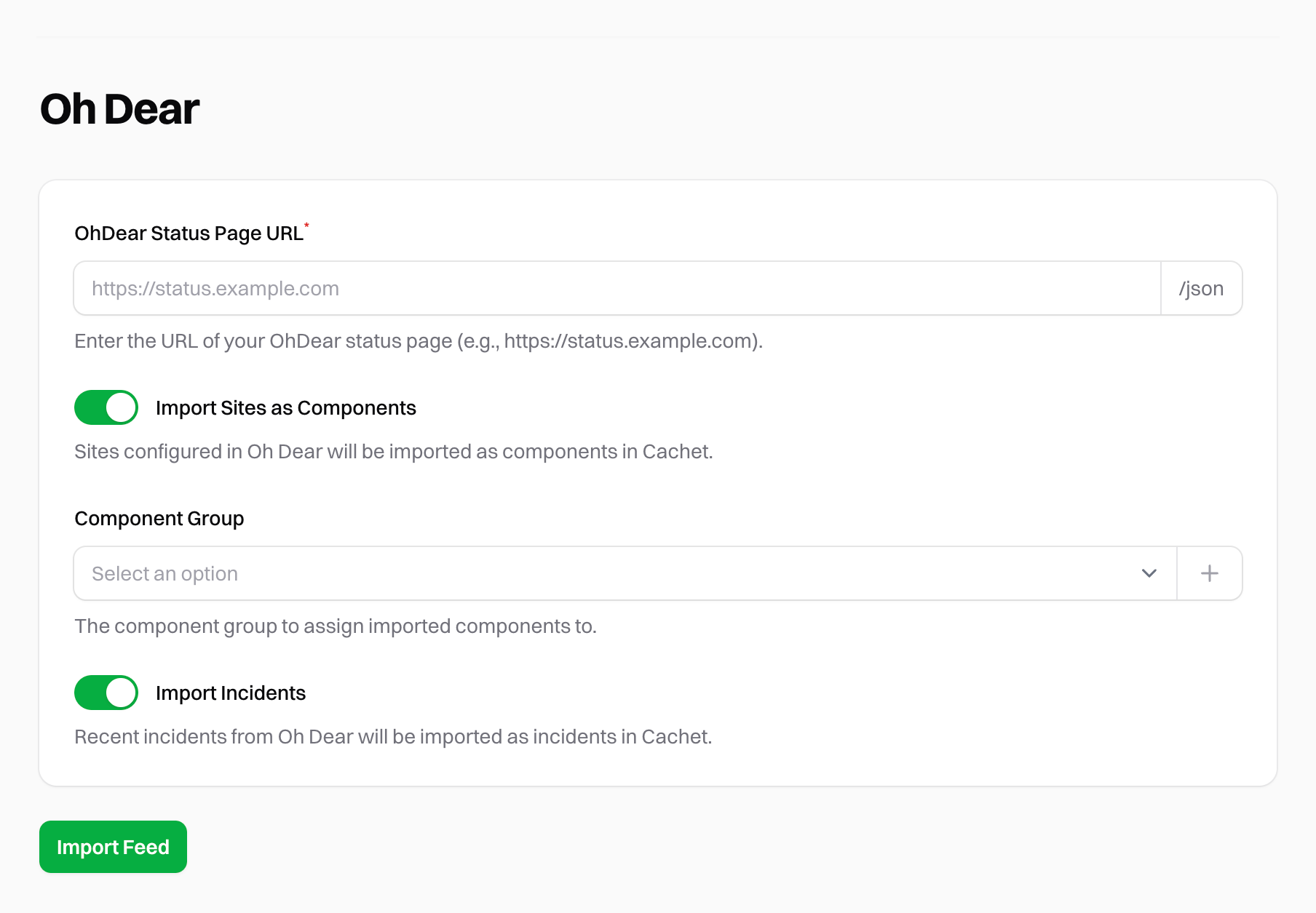
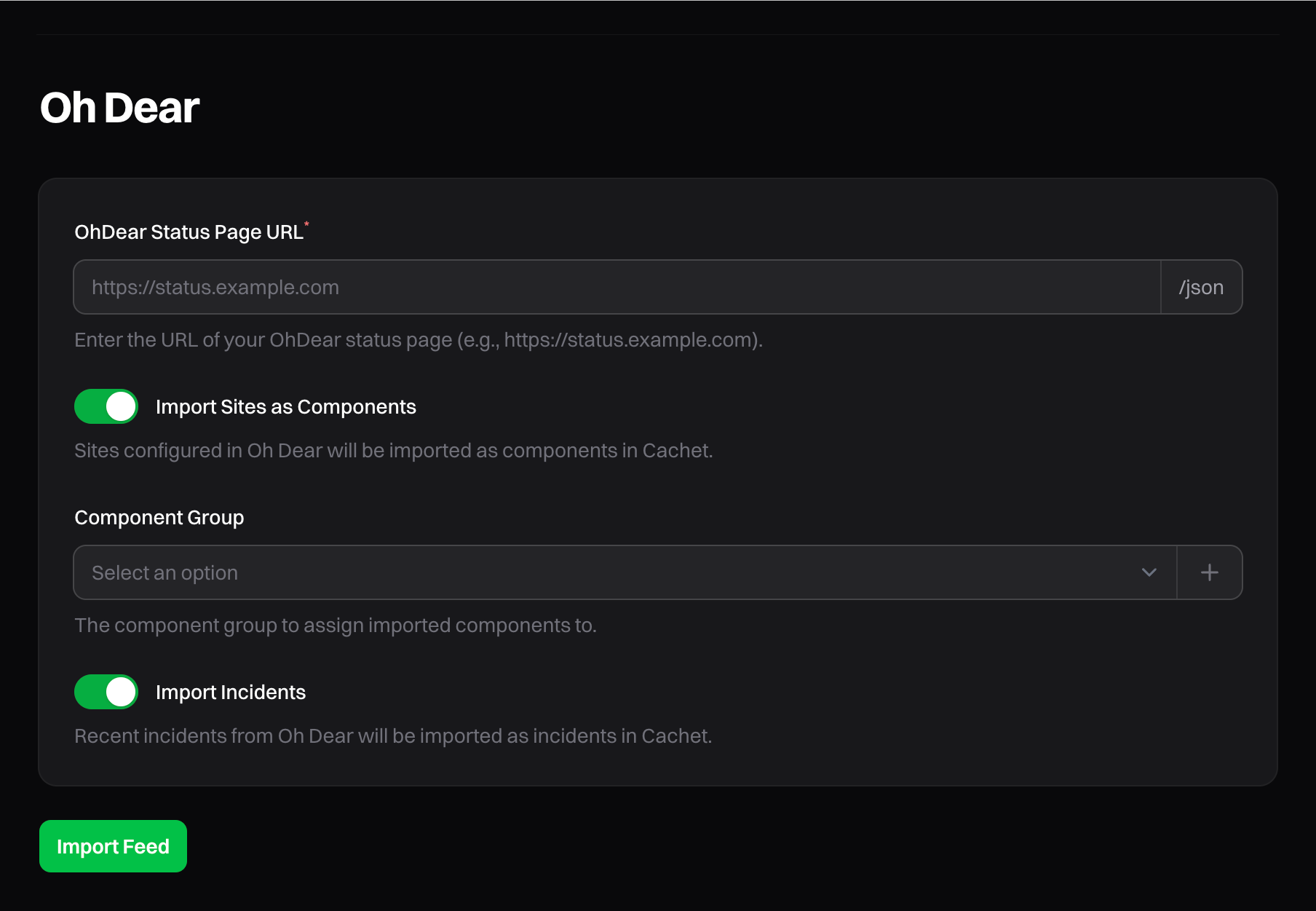
Oh Dear dashboard
Importing sites
To import your Oh Dear sites as components, enable Import Sites. Then select a component group for all imported sites. You can also choose to create a new component group for the imported sites. If you do not select a component group, the sites are imported as ungrouped.Importing incidents
To import your Oh Dear incidents, enable Import Incidents. Cachet attempts to match Oh Dear’s status codes to Cachet’s incident types.The Oh Dear integration imports only the last 7 days of incidents.